
 When your office is also your living room, a few physical boundaries can keep work from quietly taking over your whole home.
How to Build a Home Office That Does Not Hurt Your Back
Most people set up their home office in a hurry. A spare table, a kitchen chair, a laptop propped on a stack of books. It works for a week. Then the stiffness starts. By the end of the month your neck aches, your wrists complain, and you find yourself slouching in ways that would make a physiotherapist wince. The good news is that you do not need to spend a fortune to fix this. You need to understand a few basic principles and then make small adjustments.
The first principle is that your body is designed to move, not to hold one position for eight hours. No chair, however expensive, will save you if you never get up. The second principle is that the relationship between your screen, your keyboard, and your chair matters more than the quality of any single piece. A cheap chair at the right height beats an expensive chair at the wrong height.
Getting the Basics Right Without Buying Anything
Start with your chair height. When you sit, your feet should rest flat on the floor and your knees should be roughly level with your hips or slightly below. If your chair is too high, use a footrest or a stack of books. If it is too low, a cushion can help, though this is less ideal.
Next, look at your screen. The top of the screen should be at or slightly below eye level, and the screen should be about an arm's length away. If you work on a laptop, this is impossible without help, because the screen and keyboard are attached. The simplest fix is a laptop stand or a stack of books to raise the screen, paired with an external keyboard and mouse. This one change eliminates most neck and shoulder pain for laptop users.
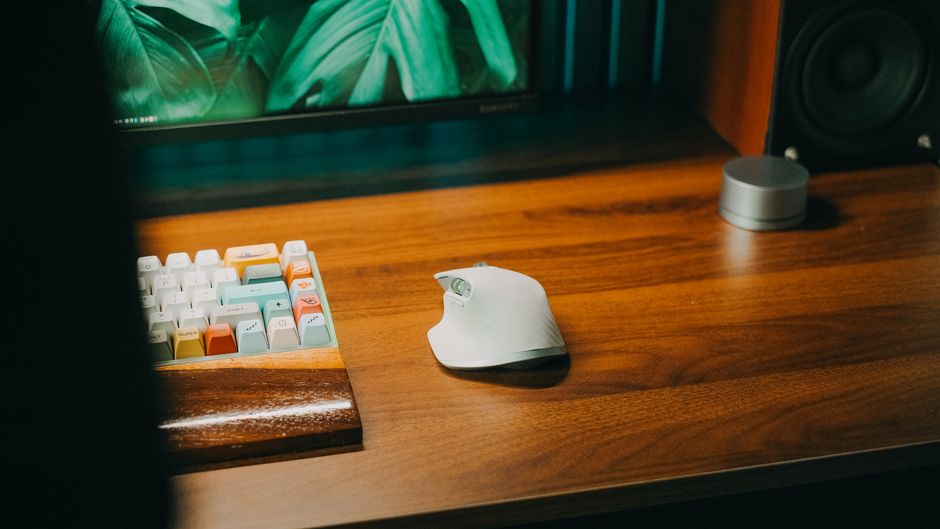
Your keyboard and mouse should be close enough that your elbows stay near your sides and your wrists stay straight. If you have to reach forward, you will round your shoulders and strain your upper back. Pull the keyboard toward you until your arms feel relaxed.
Finally, check your lighting. Glare on the screen makes you lean forward and squint, which pulls your head out of alignment. Position your desk so that windows are to the side rather than directly in front or behind, and use a lamp for task lighting rather than relying on a single overhead bulb.
The Habit That Matters More Than Any Chair
Even a perfect setup becomes harmful if you never leave it. Set a timer to stand up every thirty to forty-five minutes. You do not need a full stretching routine. Standing up, walking to the kitchen, refilling your water, and sitting back down is enough to reset your posture and restore blood flow.
Try to alternate between sitting and standing if you can. A standing desk is helpful, but so is a countertop or a tall shelf you can use for part of the day. The variety matters more than the specific furniture.
Pay attention to the small signals your body sends. If your lower back starts to ache, do not push through it. Adjust your position, stand up, or take a short walk. Discomfort is information, not weakness. A home office that respects your body is one you can use for years, and it does not have to cost much to build.